Sequence Diagram
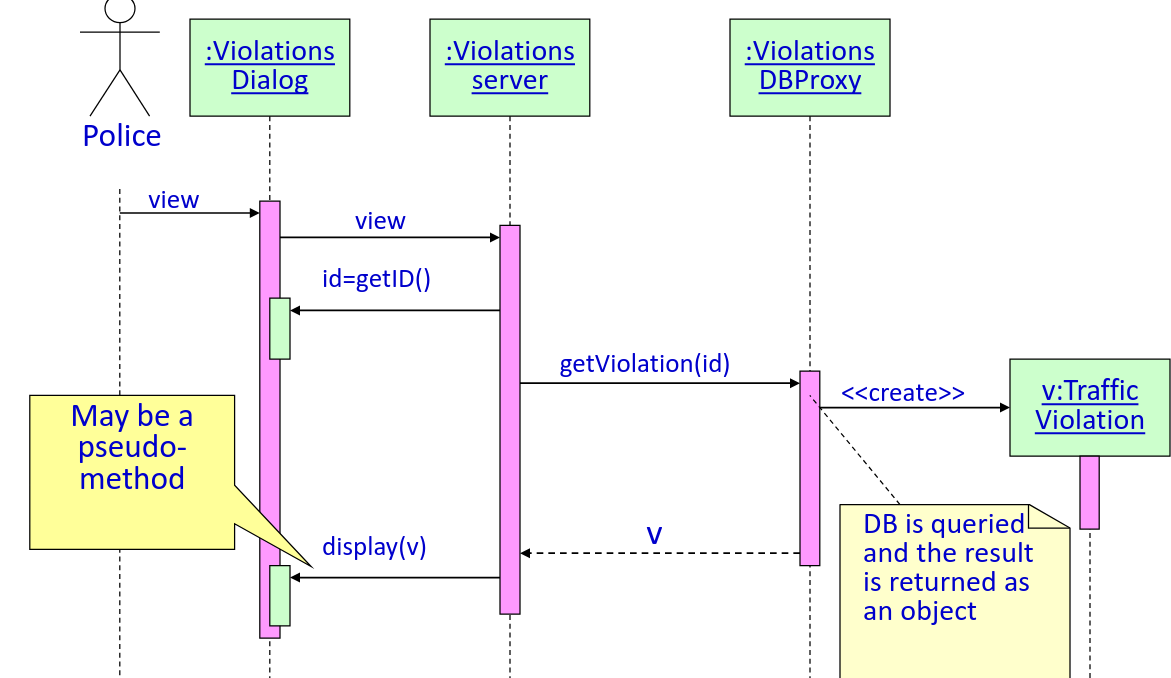
Sequence of message sent between set of objects to perform a task
- The vertical line is called lifeline
- The vertical box is called activation box
Most diagrams follow this "Cheat Sheet" pattern:
-
Actor → Boundary: "Click Button".
-
Boundary → Controller: "Process Request."
-
Controller → Controller: "Self-compute" (The loop-back arrow).
-
Controller → Database: "Save/Fetch Data."
-
Return Message: Dashed line (←−−) back to the Actor.
-
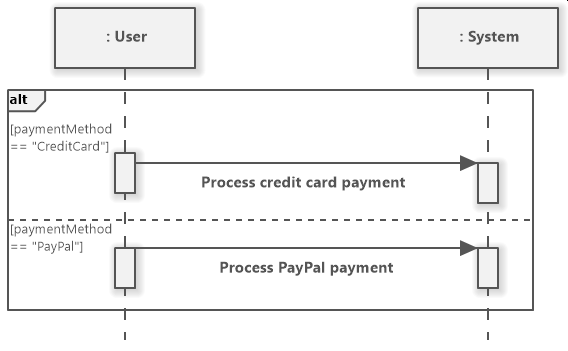
alt: Use for "If/Else" (e.g., If login succeeds vs. fails). -
opt: Use for Optional steps (similar to the«extend»relationship). -
loop: Use for "Repeating" actions (e.g., "Wait for connection").
Using Frames